
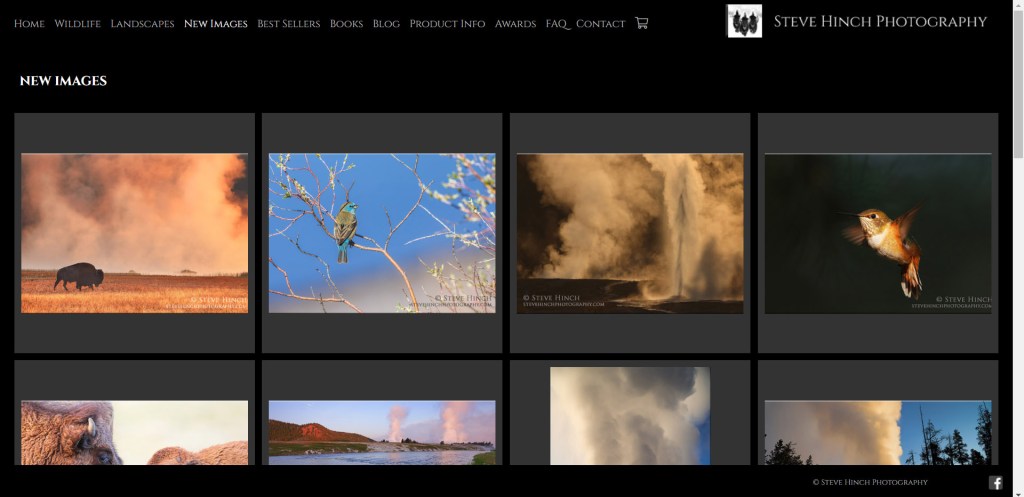
Step One: When in any online gallery, click on the photo you’re interested in purchasing. In this example, we’ll click on the hummingbird photo in the upper right corner of the gallery displayed above.

Step Two: When we click on an image, it will open up a larger version and the screen will appear as seen above. In the bottom right corner of the screen, a small button says “purchase info.” Click on this next to see all size, format, and price options.
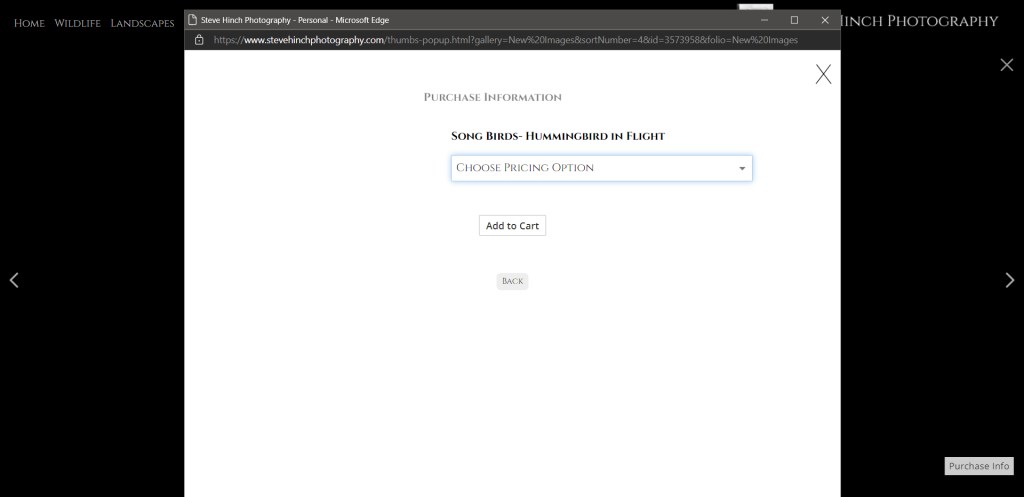
Step Three: When clicking on the image, a pop up screen appears as seen above. It will display the name of the photo we clicked on, in this case “Hummingbird in Flight.” Below the name is a drop down menu that says “Choose Pricing Option.” Click on it to see all price, size, and format options.

Step Four: The drop down menu will as above. Simply click on the size and format you desire. The two formats available are photo prints and metal prints. For any other format such as canvas, please use the contact page to send me a message for options. Canvas will usually price at the same rate as metal prints. There are 7 size options for photo prints and and 9 size options for metal prints.
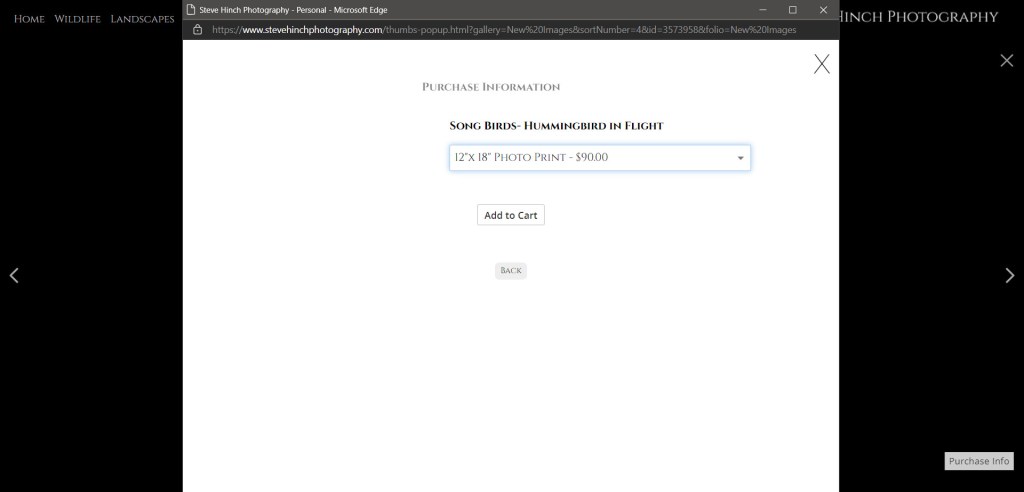
Step Five: In our example, I clicked on a 12 inch by 18 inch photo print. That choice is now in the drop down menu. With that selected, simply click on the “Add to Cart” button to proceed.

Step Six: When we click on “Add to Cart,” the screen will now look like this, showing the name of the photo, the price, and some other information. To complete the purchase either click on the “paypal” or the “check out” button and complete your purchase.
 steve hinch photography